Rebuilding the portfolio: Next.js, Tailwind and a little help from Cursor
Daniel Garcia – 28 Feb. 2026
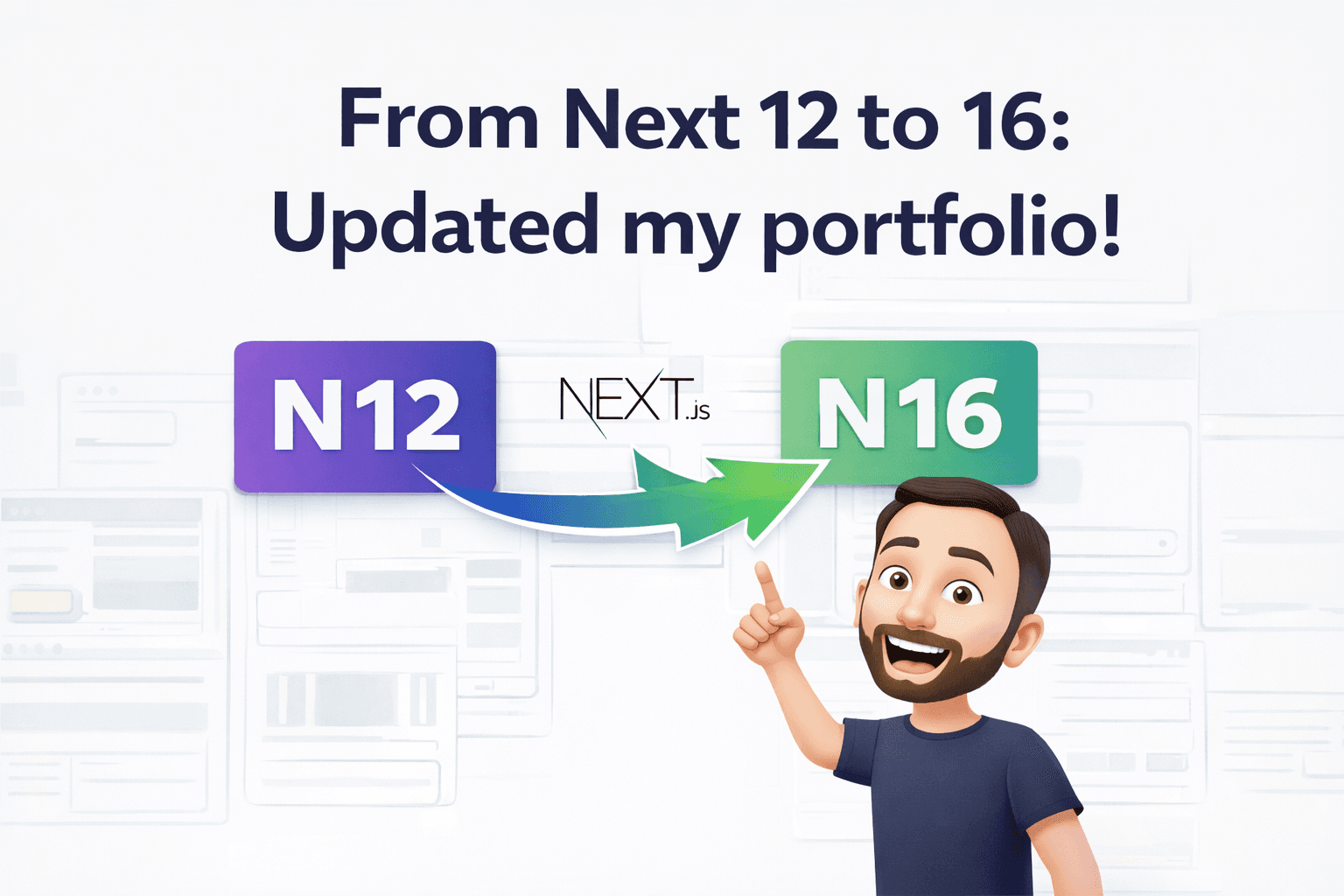
If you follow the blog you’ve seen posts about Next.js and SSR and SSG and ISR. The portfolio I had back then was that Next.js project with the Pages Router, Styled Components and a stack that was working well. Over time I wanted to refresh the site: better performance, take advantage of the App Router, use more straightforward CSS and try tools that are changing how we write code. So I decided to rebuild the portfolio from scratch with newer tools and document a bit of that process here.
In this post I talk about the stack choices, what changed from the old project, and how Cursor came into the flow as a coding and review partner.
Why rebuild?
The old project was fine: Next.js with Pages Router, TypeScript, Styled Components, deploy on Vercel. But the ecosystem moved on. The App Router is now the recommended model in Next.js, with Server Components, nested layouts and a clearer way to handle data and routes. Keeping a legacy project is valid, but for a personal portfolio it made sense to align with current practices and reuse content and ideas without carrying old decisions.
I also wanted something lighter on the styling side. Tailwind CSS fit that: utility-first, fewer named style components, and a lean output. For a small site focused on content and performance, it was a good fit.
Stack of the new portfolio
The new project was set up with:
- Next.js 16 (App Router) – routes under
app/, Server Components by default,generateStaticParamsfor posts, metadata and SEO in the route file. - TypeScript – still the base for typing and autocomplete.
- Tailwind CSS 4 – styling via classes, responsive layout and theme (colors, fonts) in CSS.
- React Hook Form + Zod – contact form with validation and less boilerplate.
- Markdown for the blog – posts as
.mdfiles incontent/posts, with gray-matter and marked for front matter and HTML. No CMS for now. - Utterances – blog comments tied to GitHub issues, no custom backend.
So: fewer heavy dependencies, more of what the Next.js and React ecosystem already provide, and a focus on static content and a contact form.
What changed from the old project
Besides moving from Pages Router to App Router and from Styled Components to Tailwind, a few things were rethought:
- Fonts –
next/font(Poppins, Montserrat, Six Caps) with CSS variables, no external font link. - Blog – posts stay in Markdown, but reading and HTML generation happen on the server; each post becomes a static route at build.
- Comments – the Utterances script is injected into a stable container in the post route layout to avoid the classic
insertAdjacentHTMLerror when navigating between posts on the client. Short version: the container lives in the layout, not in the component that unmounts on navigation. - Contact form – submit via API Route with Nodemailer (or another transport), validation with Zod and React Hook Form, and clear success/error feedback.
All while keeping the site mostly static, deployed on Vercel with good SEO and performance.
Cursor in the development flow
Here’s where I give credit to a tool that’s made a difference day to day: Cursor.
Cursor is an editor based on VS Code that brings AI models into the coding flow. It doesn’t replace technical thinking or architecture decisions, but it helps with repetitive tasks, code suggestions, refactors and even exploring a codebase you don’t fully know yet.
While building the new portfolio I used Cursor to:
- Structure routes and layouts in the App Router, following current Next.js docs.
- Adjust components for Server/Client when needed (e.g. the comments block that uses
usePathnameanduseEffect). - Fix bugs like the Utterances one when navigating between posts — the AI pointed to known issues and the layout-container solution.
- Keep consistency in style (Tailwind), file names and project conventions.
- Draft and revise parts of this post — including structure and tone to match the rest of the blog.
So Cursor acted like an always-available pair programmer: I’d say what I wanted (new route, fix, text), and it would help sketch code and copy aligned with the project. That sped up development and left more time for content and UX instead of typing boilerplate.
If you want to try it, take a look at cursor.com. Nothing here depends on it — you can do it all by hand — but if you like trying new tools in your workflow, it’s worth a shot.
Conclusion
Rebuilding the portfolio was a way to get up to speed with Next.js and the React ecosystem, go all-in on Tailwind and add AI into the process. The result is a simpler site technically, easy to maintain and evolve, with room for posts like this one.
If you’re thinking about modernizing an old project or building a portfolio from zero, Next.js (App Router) + TypeScript + Tailwind is still a solid bet. And if you want to go further, trying an editor like Cursor can open a new way to iterate on code.
More?
- Want to learn more about Next.js and the App Router? Check the official docs.
- Want to revisit SSR and SSG/ISR? See What you need to know about Next.js and SSR and The real power of Next.js with SSG and ISR.
- Want more posts like this? Drop me a message or find me on socials.